Query
SQL editor
The SQL editor runs statements against the workspace's database in tabs. It completes names from the catalog, keeps a history of what you run, saves queries, and formats, explains and cancels statements.
Where to find it
| Action | How |
|---|---|
| Open a query tab | File > New Query, ⌘T (Ctrl+T) |
| Run the statement under the cursor | Run, ⌘Enter (Ctrl+Enter) |
| Run every statement in the tab | Run all, ⌘⇧Enter (Ctrl+Shift+Enter) |
| Cancel a running statement | Cancel, ⌘. (Ctrl+.) |
| Save the query | The save button in the editor toolbar, ⌘⇧S (Ctrl+Shift+S) |
| Show history | History in the sidebar, ⌘⇧H (Ctrl+Shift+H) |
| Lay SQL out on several lines | Format > Beautify, ⌘I (Ctrl+I) |
| Put SQL back on one line | Format > Uglify, ⌘⇧I (Ctrl+Shift+I) |
| Explain a statement | Explain, ⌘⇧E (Ctrl+Shift+E) |
| Explain and execute a statement | Explain Analyze in the Explain menu, ⌘⇧⌥E (Ctrl+Shift+Alt+E) |
Run sends the statement under the cursor, or the selected text. Run all sends every statement in the tab. The footer under the grid shows the row count, the time and the statement that produced the result.
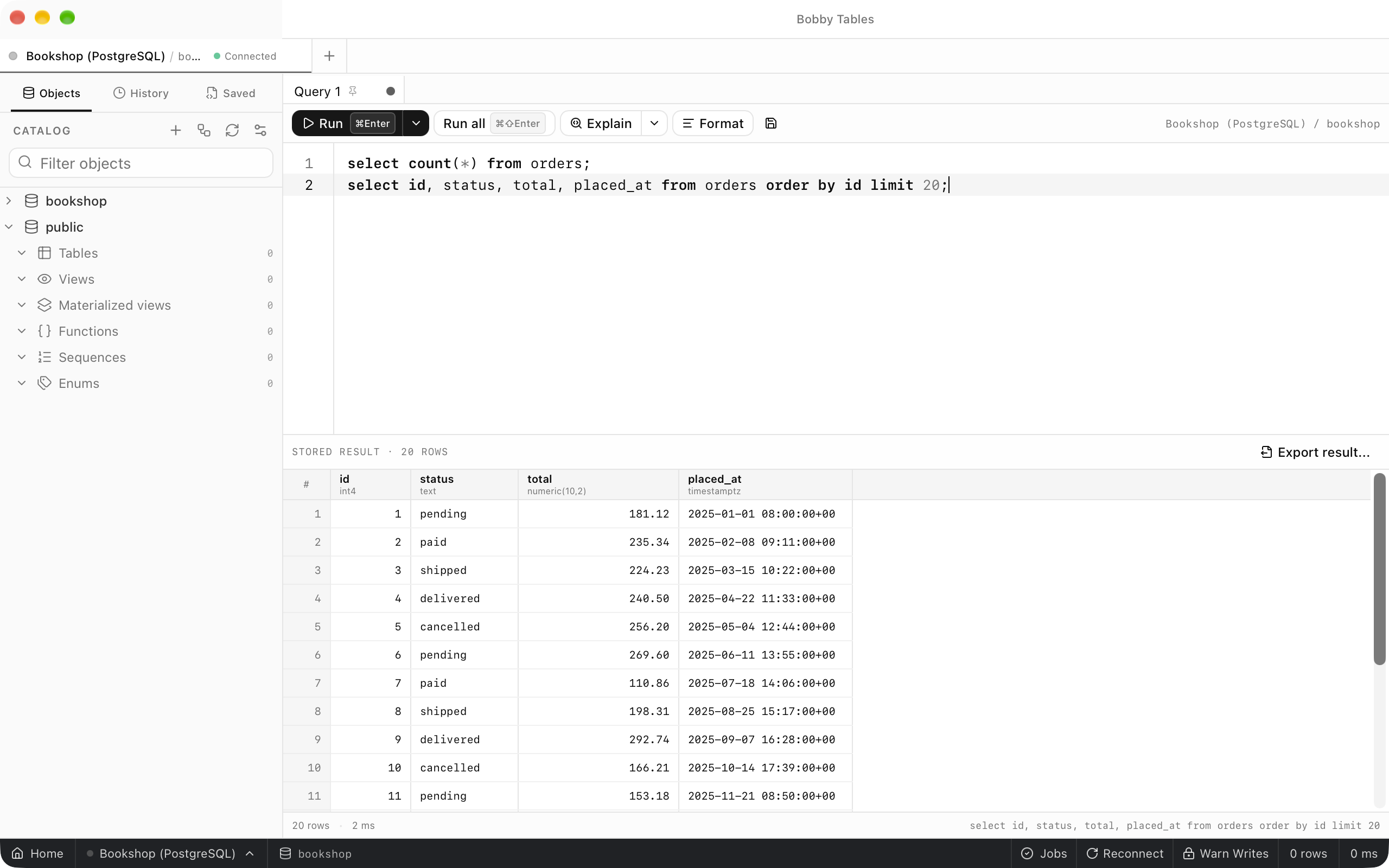
Completion
Completion suggests SQL keywords, schemas, tables, views and columns from the catalog the sidebar loads. It opens as you type, and Enter accepts the highlighted suggestion. After a schema name and a dot it lists that schema's tables and views. After a table name or alias and a dot it lists the columns with their types.
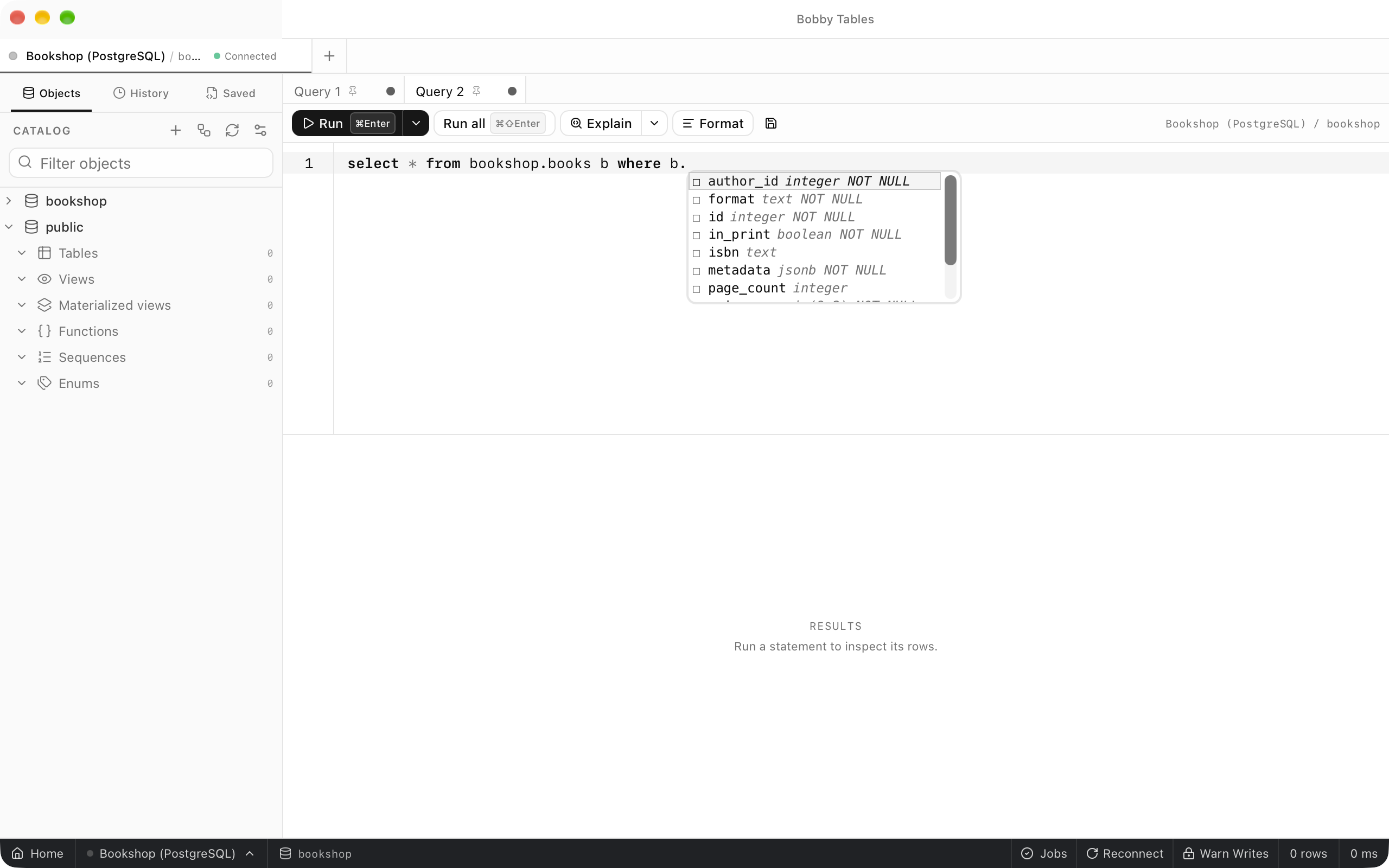
History
History in the sidebar lists the statements run on this connection, newest first and grouped by day. Each entry shows whether it succeeded, its first line, duration, time, row count and database. Search history narrows the list, and right-clicking an entry offers Copy, Run in new tab, Open in new tab, Delete and Clear all history....
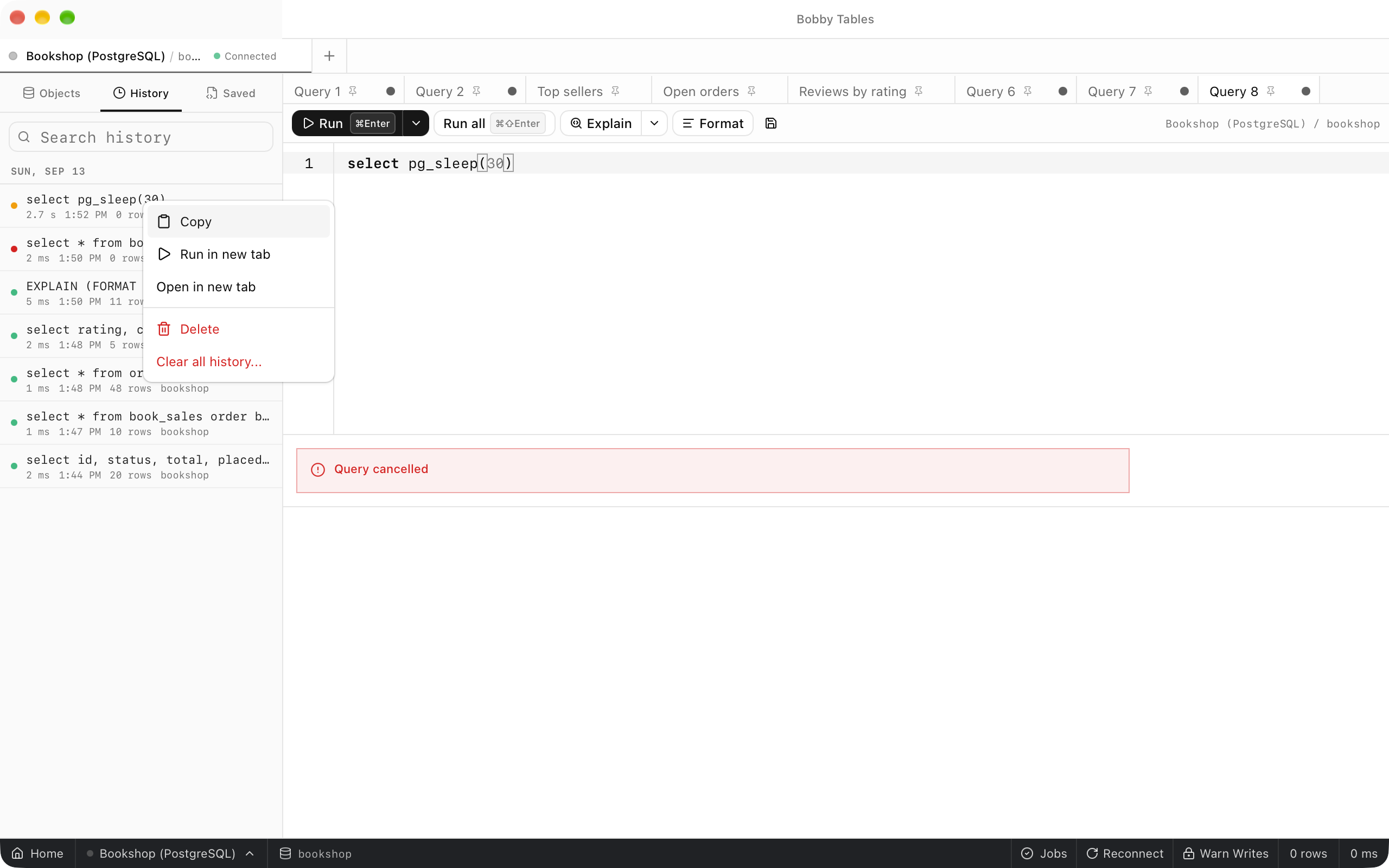
Saved queries
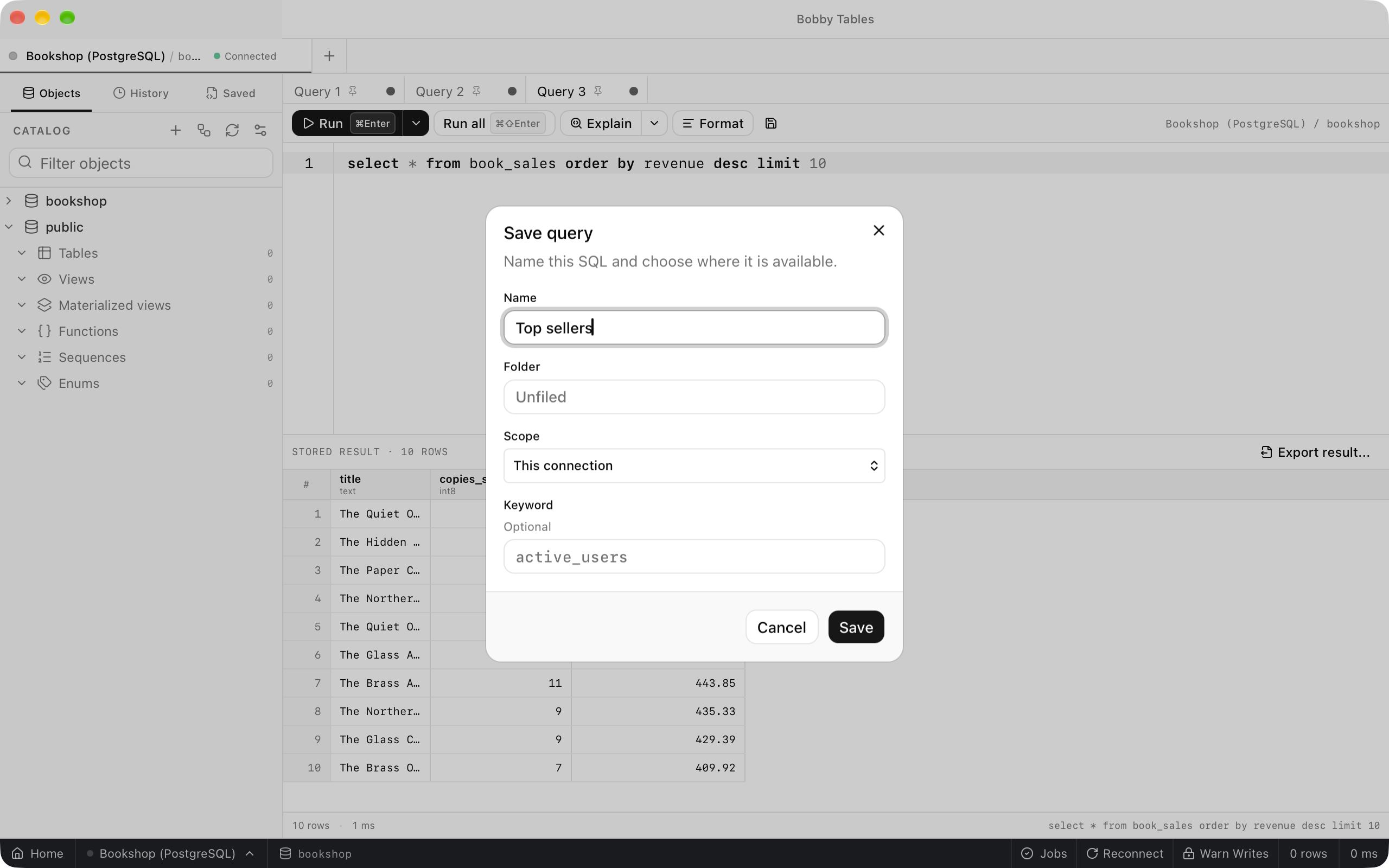
The save button opens Save query. Give the query a Name, an optional Folder and Keyword, and a Scope of This connection or All connections. The tab takes the query's name, and the Saved tab in the sidebar lists it with a dot for this connection or a globe for all connections. History and saved queries are stored on this computer.
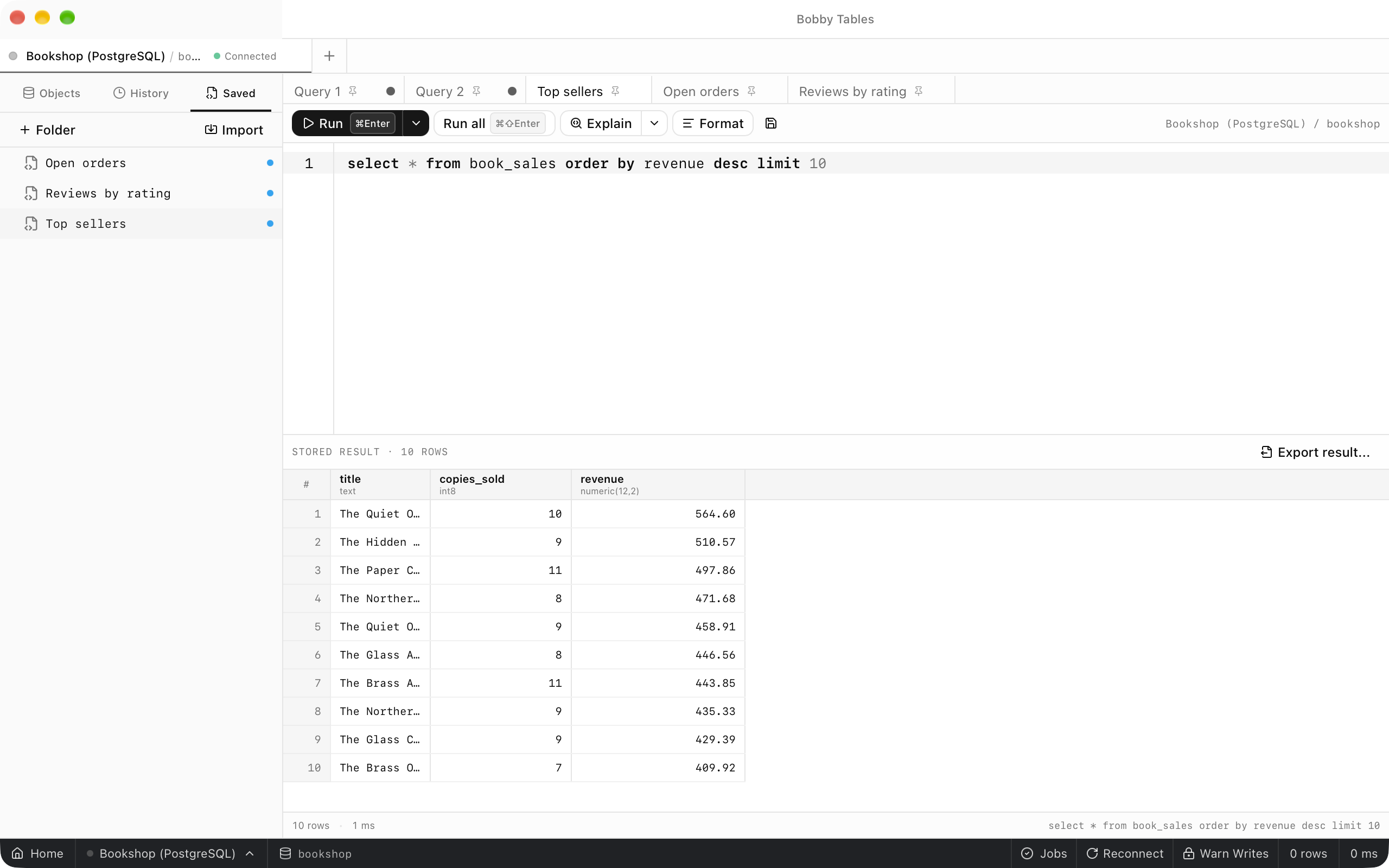
Format and Explain
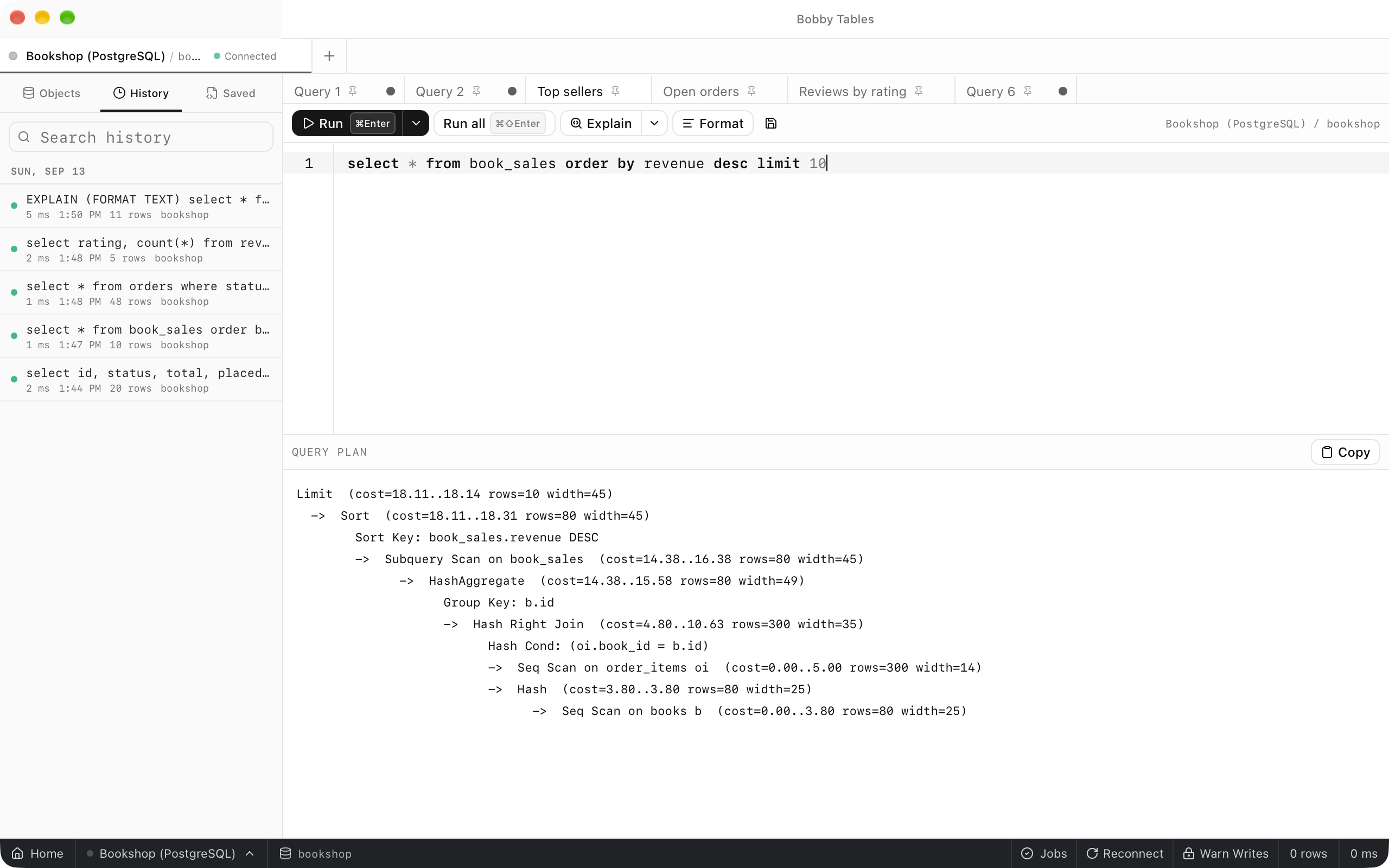
Beautify puts each clause on its own indented line with upper-case keywords, and Uglify puts the statement back on one line. With nothing selected, both change the whole tab. Explain shows how the server would run the statement under the cursor without running it, while Explain Analyze executes it. On PostgreSQL the output opens as text with a Copy button.
Errors and cancelling
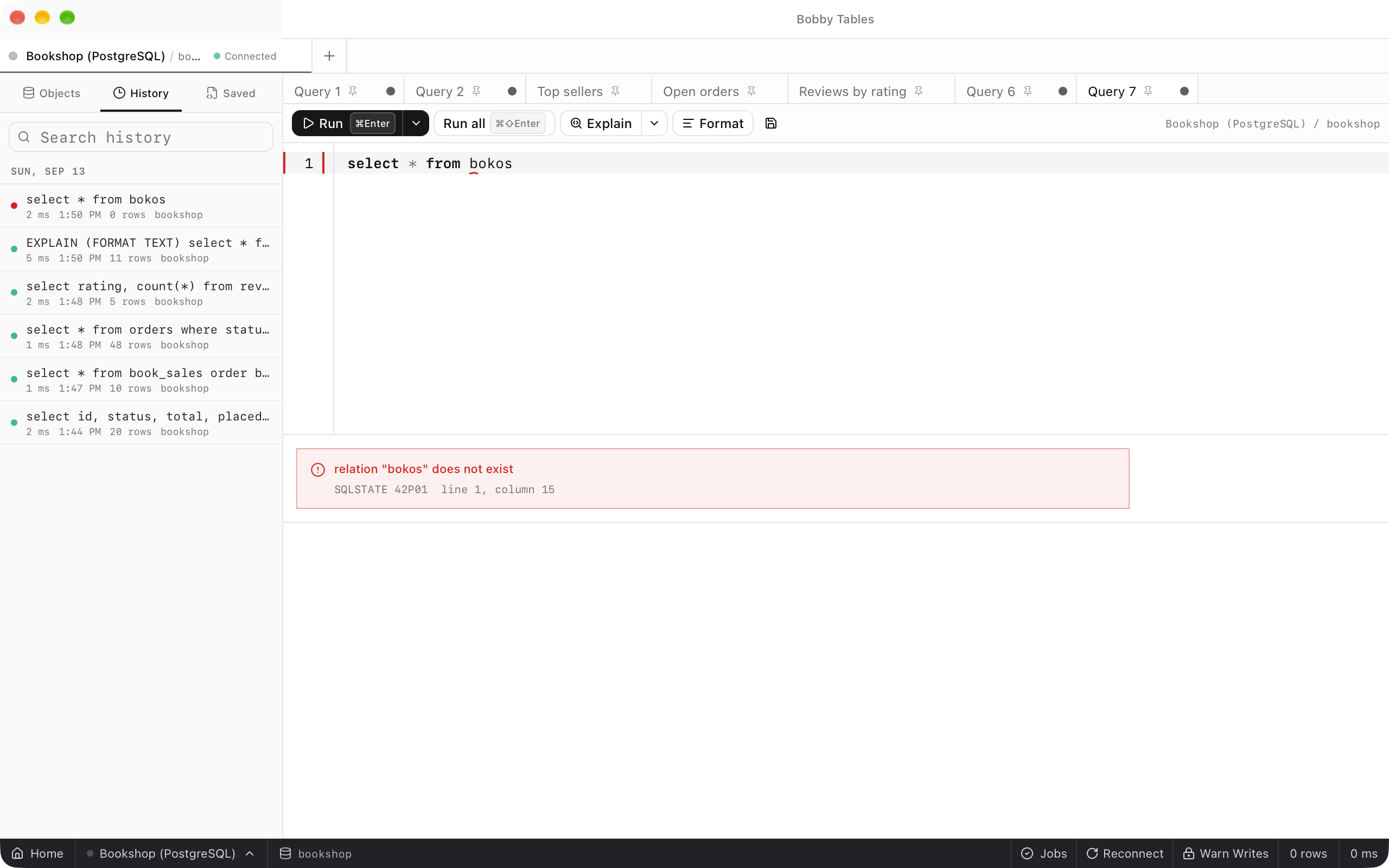
When the server rejects a statement, the results pane shows its message with the SQLSTATE code and the line and column, and the editor marks that position. While a statement runs, the toolbar counts the elapsed time and offers Cancel. PostgreSQL and CockroachDB cancel over a separate connection, MySQL, MariaDB and TiDB use KILL QUERY, and SQLite is interrupted. The results pane then reports Query cancelled.
Good to know
- History belongs to the connection it was run on. A saved query with the
All connectionsscope appears for every connection. - Explain runs are recorded in history too.
- Column aliases can change how a result is drawn. See Result display directives.